
CHAPTERS 01–03
Start with facts. Choose safely.
Log a real week of client writing. Pick your tool with three questions, then check what is safe to paste and what needs masking.
MANUAL 02 · PROJECT MANAGEMENT & PRODUCTIVITY
Less rewriting.
More of your Friday back.
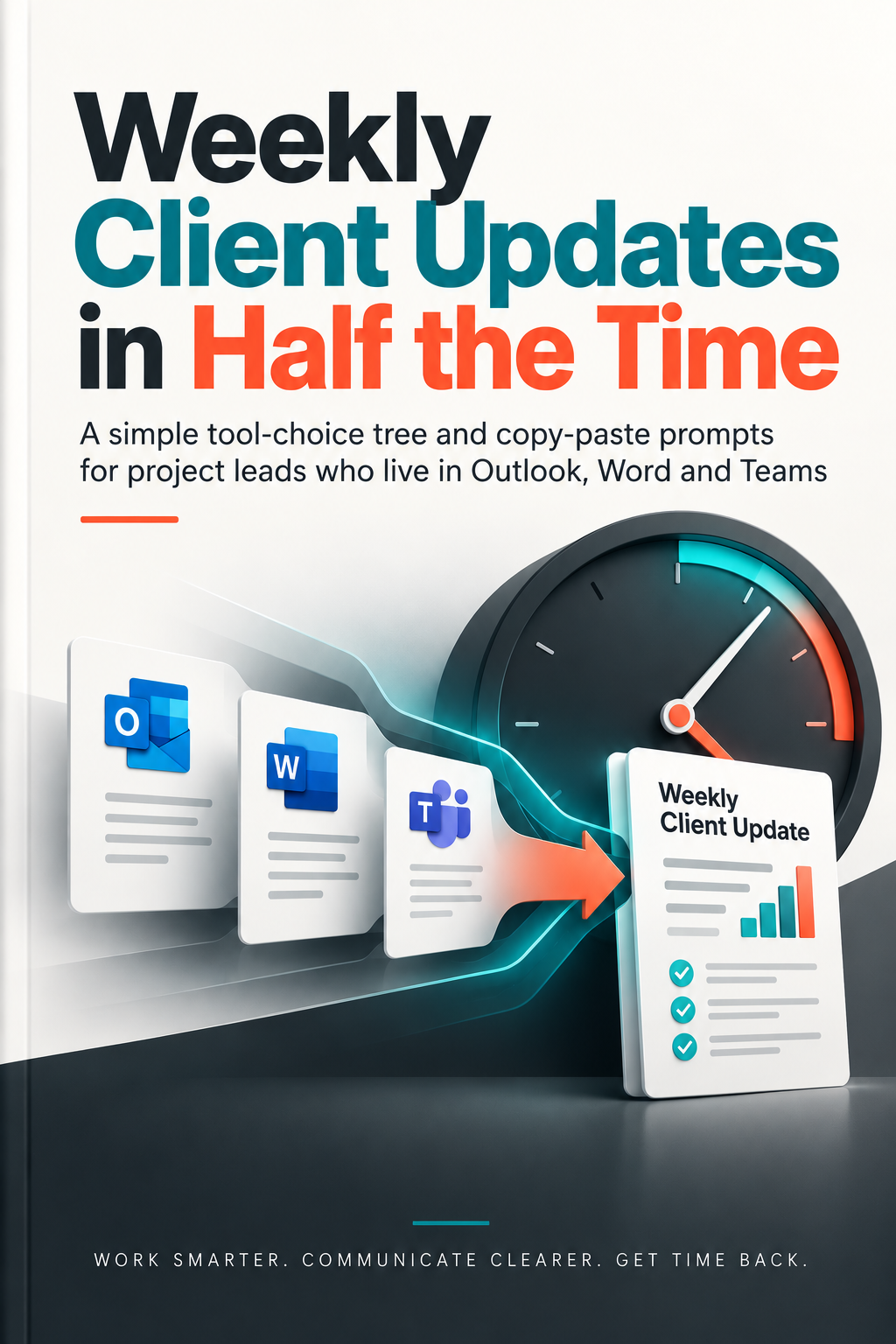
A simple tool-choice tree and copy-paste prompts for project leads who live in Outlook, Word and Teams.
See what’s insideUSD · one-time purchase · instant PDF download
Your facts. Your final say. Check your company’s data policies before using AI. You review and send every message.
THE WEEKLY WRITING PROBLEM
The facts are scattered across Teams chats. The status report needs another rewrite. A delay email sounds too vague—or too blunt. A familiar task takes up the afternoon again.
Replace starting from scratch with a saved prompt, a three-question tool-choice tree, and a short checklist. Start with your own facts and keep control of the final message.
THE CORE FRAMEWORKS
CHAPTERS 01–03
Log a real week of client writing. Pick your tool with three questions, then check what is safe to paste and what needs masking.
CHAPTERS 04–08
Saved prompts for Outlook status emails, Teams meeting recaps, Word reports, change requests, and difficult updates about delays or scope.
CHAPTERS 09–11
Use the six-point send check, follow the 20-minute Friday routine, and compare your actual writing time with your starting baseline.
WHAT’S INSIDE
Read the baseline and safety chapters first. Then jump to the document that costs you the most time.
11 CHAPTERS · PRACTICAL WORKFLOWSINCLUDED WITH THE MANUAL
Three bonus resources included in the same PDF. No separate purchase needed.
A one-page reference for choosing the right tool before you start writing.
Copy-paste prompts for status emails, reports, recaps, and tricky client messages.
A table layout for recording your weekly writing time and comparing it with your baseline.
A LOOK AT THE APPROACH
A few concepts from the manual, made tangible.
Illustrative examples, not exact book pages.Does the client need a formal record or sign-off?
Yes → Outlook emailIs it a quick update or a blocker for the team?
Yes → Teams messageIs it a longer progress or monthly report?
Yes → Word documentThree questions. One clear choice. No more drafting in the wrong place.
WHO IT’S FOR
For project leads and coordinators with recurring client communications—and a working day already full of actual project work.
You work in Outlook, Word, and Teams.
You send status emails, reports, recaps, or change requests.
You want reusable prompts, not generic advice.
You own the facts, the judgment, and the final message.
MAKE YOUR NEXT UPDATE SIMPLER
A practical system for your recurring client writing.
Using a learning budget? Download your paid invoice after checkout. Check your employer’s expense policy.
Secure checkout via Razorpay · instant download
A FEW GOOD QUESTIONS
Project leads and coordinators who regularly write client updates, status reports, meeting recaps, and change requests in Outlook, Word, and Teams.
One PDF ebook containing all 11 chapters and the three bonuses: the Tool-Choice Decision Tree, 25-Workflow Prompt Vault, and AI Time-Savings Tracker. The bonuses are inside the PDF, not separate editable downloads.
Your starting point, documents, and workflow determine your results. Chapter 1 helps you measure a real week; Chapter 11 helps you compare your time after using the workflow.
Follow your employer’s policies. The manual helps you choose tools and check data before pasting anything. You can still use the document structures, checklists, and time log manually; AI-assisted prompts are only for tools your employer permits.
The manual covers tool choice rather than requiring one subscription. Availability depends on your work account and employer’s approved tools; the ebook does not include software or an AI subscription.
After your payment is confirmed, download the PDF immediately and save your private re-download link. Your purchase confirmation email includes links to your ebook and paid invoice.
Every purchase includes a downloadable paid invoice. Check your employer’s expense policy to see whether this resource is eligible. You can paste this note into your expense claim:
Expense item: Professional development / project productivity system
Publication: Weekly Client Updates in Half the Time (Blueprint Manuals)
Business justification: A practical communication framework and reusable prompt vault to streamline recurring client reporting across Outlook, Word, and Teams, while keeping confidential client data protected.
Amount: $29.00 USD (paid invoice included with purchase)